There are many free tools and systems entrepreneurs can use before hiring a virtual assistant to save time and stay organized. When setting up a side project or experimenting with remote teams, it’s always better to start with simple, free options. Here are some free tools and systems for entrepreneurs before hiring a virtual assistant, so they can better organize their projects.
1. If you’re using Google Workspace, you already have many tools you mostly need inside: Google Docs, Forms and Calendar. All the tools I mentioned are free to use. You can start with your personal Gmail account (like my [email protected]), and even with one team member this is enough.
The difference with a paid Google Workspace account is that you get a professional email ([email protected]), more storage, and admin controls for multiple team members. For now, as a solopreneur, the free setup works perfectly; you can upgrade later as your team or storage needs grow.
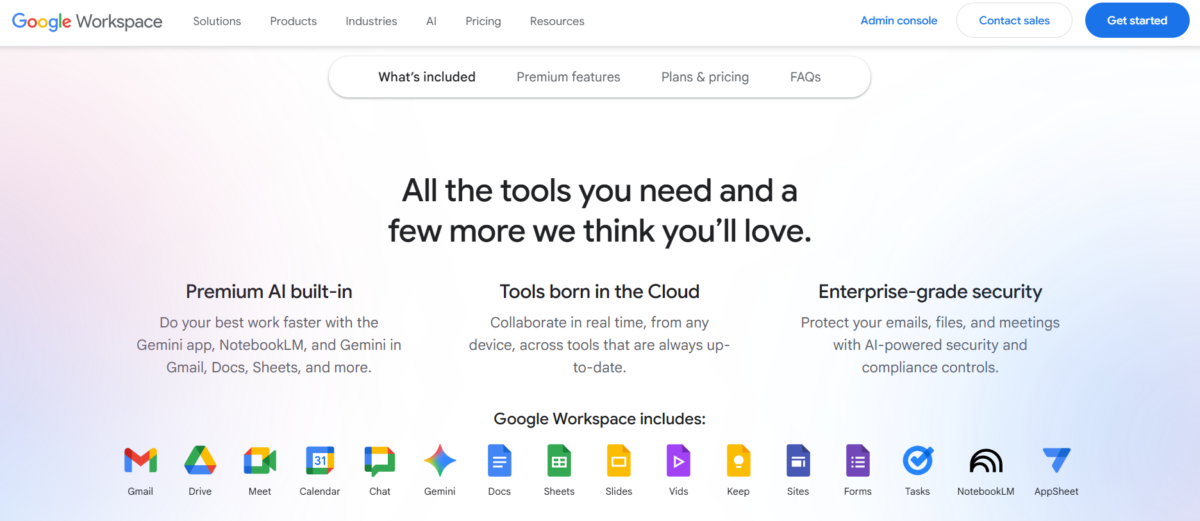
2. The next free tool you have within your Google account is Google Drive. You have up to 15 GB of free space to organize files, folders, and documents. You can organize basically everything here: finances, social media assets, brand files, or contracts.
3. If you still don’t have brand assets like a logo, fonts, or colors, Canva as a free tool is a go-to. It’s free, has many features, and you have templates as inspiration. There is a premium version, but when setting up an account, the free version is enough. You also have free photos, but you can also use sites like Unsplash for free photo downloads.
Project management tools for entrepreneurs before hiring a virtual assistant
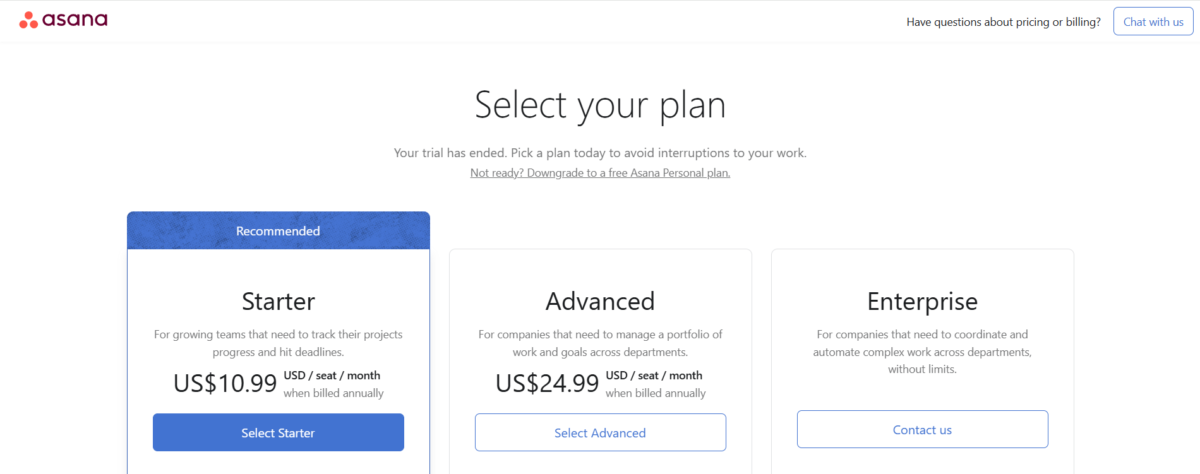
4. When deciding between different projects within your business, it’s good to organize tasks and deadlines in one place. Asana and Trello can be good since they have free plans. You can start from there, and even if you’re a solopreneur, having things in one place gives you clarity. The setup is very simple, and you have templates to choose from, so the only “bug” can be the time needed to put everything together.
Both tools are very user-friendly. I have created boards for personal and business life, and in Trello I track my clients’ tasks, write updates for ASYNC, and brainstorm ideas. Trello is more of a visual project management tool, but I like Asana too, and they currently offer their course for free: Asana Workflow Specialist.
Using these free tools and systems for entrepreneurs before hiring a virtual assistant improves your workflow, they are free and user-friendly.
5.When you create a simple system and are ready to have a call or a meeting, Google Meet or Zoom can be helpful, but they are just places where the meeting happens. If you want to make your availability visible to clients, tools like Calendly can be great. It’s free, can be connected to your Google Calendar, and blocks double bookings. There is also an option for before-and-after follow-up emails, so you don’t have to manually work on that, except when needed.
6. Before hiring a VA (just a note: a virtual assistant can help you with all of these tasks, here’s an example of services), it’s good to have a password management tool like LastPass. If you’re planning on hiring a freelancer or a team, you want your passwords protected. With tools like LastPass (I haven’t used any other for now), passwords are not visible to others. You can use them with a browser extension that automatically fills them in for basically any tool, social media platform, or program. It also shows how weak or strong a password is.
P.S. I’m still using pen and paper, but I’m also using LastPass, just in case 😉
Password management tool for entrepreneurs before hiring a virtual assistant
7. Creating documents with your business procedures, habits, and rules is important. But why are SOPs so important? There are many reasons. In my work, I noticed that when you have another team member, you don’t need to explain your processes twice, which saves time, money and is less overwhelming. You can create as many SOPs as possible, and they can be written by all members of a team.
It’s part of learning and growing because you can notice inefficiencies or needs for improvement along the way. You can use Google Docs or Loom for SOPs and Google Drive for organizing them. This is for simple organization, and I’m sure larger projects may require different tools or premium subscriptions.
By setting up these free tools and systems for entrepreneurs before hiring a virtual assistant, you create a business foundation that’s easy and simple to operate. When I first started, I didn’t need any premium versions, except for Grammarly eventually, because I wanted my copy to be error-free. Other than that, all the tools were free, and most of them I still use today.